
Setting up a smart home sounds fancy, but you can begin with one gadget that costs about the price of a pizza. Here is a simple smart home for beginners guide that shows you where to start and what to skip.
- What Is a Smart Home, Really?
- Where Should You Start With Smart Home Devices?
- How Much Does a Smart Home Cost?
- How Do You Keep Your Smart Home Safe?
- Common Mistakes First-Timers Make
What Is a Smart Home, Really?
A smart home is a home with gadgets that connect to the internet. You control them with your phone or your voice. Think lights, plugs, thermostats, door locks, and cameras.
You might turn off the living room lamp from bed. You might lower the heat while you are at work. That is all it really is.
What You Need to Get Going
- A working Wi-Fi network
- A smartphone
- One smart device and its free app
These gadgets lean on your internet connection. If yours keeps dropping, try these simple Wi-Fi fixes first.
Where Should You Start With Smart Home Devices?
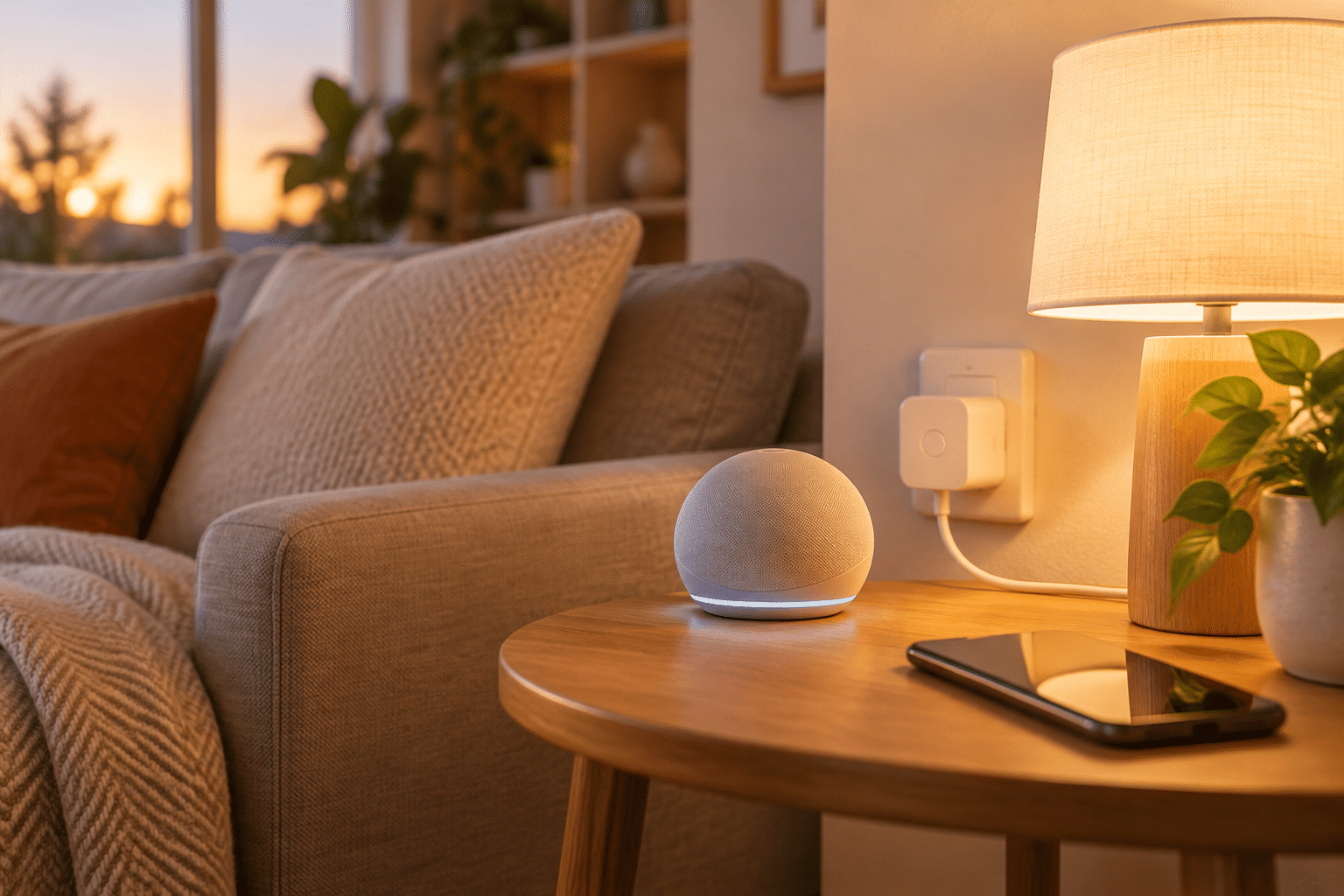
Pick one small device that solves a problem you already have. Then add more later if you enjoy it.
Smart Plugs
A smart plug sits between the wall and a lamp, fan, or coffee maker. It lets you switch that item on and off from an app or set a schedule. It is the cheapest way to try smart home technology.
Smart Bulbs
These bulbs let you dim the light or change its warmth from your phone. Lighting also changes how walls look, so it pairs well with our tips on why paint colors look different at home.
Smart Speakers
A smart speaker answers questions, plays music, and controls other devices by voice. Many people use it as the control center of their setup.
Smart Thermostats
A smart thermostat learns your routine and adjusts the temperature for you. Models with the ENERGY STAR label meet federal efficiency guidelines, which can help trim heating and cooling costs.
How Much Does a Smart Home Cost?
You can spend very little or a lot. Here are rough price ranges for common items:
- Smart plug: $10 to $20
- Smart bulb: $8 to $20 each
- Smart speaker: $30 to $100
- Video doorbell: $50 to $200
- Smart thermostat: $100 to $250
Buy one item at a time and use it for a few weeks. If it does not make your day easier, return it. Shopping with a plan beats shopping on hype, as our post on the deinfluencing trend explains.
How Do You Keep Your Smart Home Safe?
Every connected device is a small door into your network. A few habits keep that door locked. The Cybersecurity and Infrastructure Security Agency offers more guidance on securing home devices.
- Give each account a strong, unique password. A password manager makes this easy.
- Turn on two-factor authentication in every smart home app.
- Install software updates when your devices ask for them.
- Change the default name and password on your router.
Common Mistakes First-Timers Make
- Buying too much at once. Start small so you learn what you actually use.
- Mixing too many brands. Check that a device works with your phone and speaker before you buy.
- Ignoring privacy settings. Look at what your cameras and speakers record and who can see it.
- Skipping the manual. Setup steps are usually short and save you headaches later.
Frequently Asked Questions
What is a smart home and how does it work?
A smart home uses internet-connected devices that you control from an app or by voice. The devices connect to your Wi-Fi and follow your commands or schedules.
What is the cheapest way to start a smart home?
A smart plug is usually the cheapest option, often $10 to $20. Plug a lamp into it and control it from your phone.
Do I need a hub for smart home devices?
Most beginner devices work over Wi-Fi and do not need a hub. A hub can help later if you add many devices that use other connection types.
Are smart home devices safe to use?
They can be safe when you use strong passwords, turn on two-factor authentication, and keep the software updated. Buy from known brands that provide regular security updates.
Can smart home devices save money on bills?
Yes, some can. Smart thermostats and smart plugs help you cut wasted energy, though savings depend on your habits and home.
Want to know more about what we cover? Visit About Maven Blogs, or contact us with your questions.
Enjoyed this article? Subscribe to our newsletter for more tips delivered straight to your inbox.