
Phishing scams are fake emails, texts, and calls that try to trick you into handing over money or passwords. They look more real every year. The good news is that a few quick checks can help you catch most of them.
- What a phishing scam looks like
- Red flags you can spot in seconds
- What to do when a message feels off
- What to do if you already clicked
- Simple habits that keep you safe
- Frequently Asked Questions
What a phishing scam actually looks like
Think of phishing as a scammer pretending to be someone you trust. They might act like your bank, a delivery company, your boss, or even a family member. Their goal is to get you to click a link, open a file, or share private details.
Common types you will run into
- Email phishing: A fake message that looks like it came from a store, bank, or service you use.
- Text message scams: Often called smishing. These usually claim a package is delayed or your account is locked.
- Phone call scams: Someone claims to be from tech support or a government office and pushes you to act fast.
- Social media scams: A friend’s hacked account sends a strange link or a too-good-to-be-true offer.
Red flags you can spot in seconds
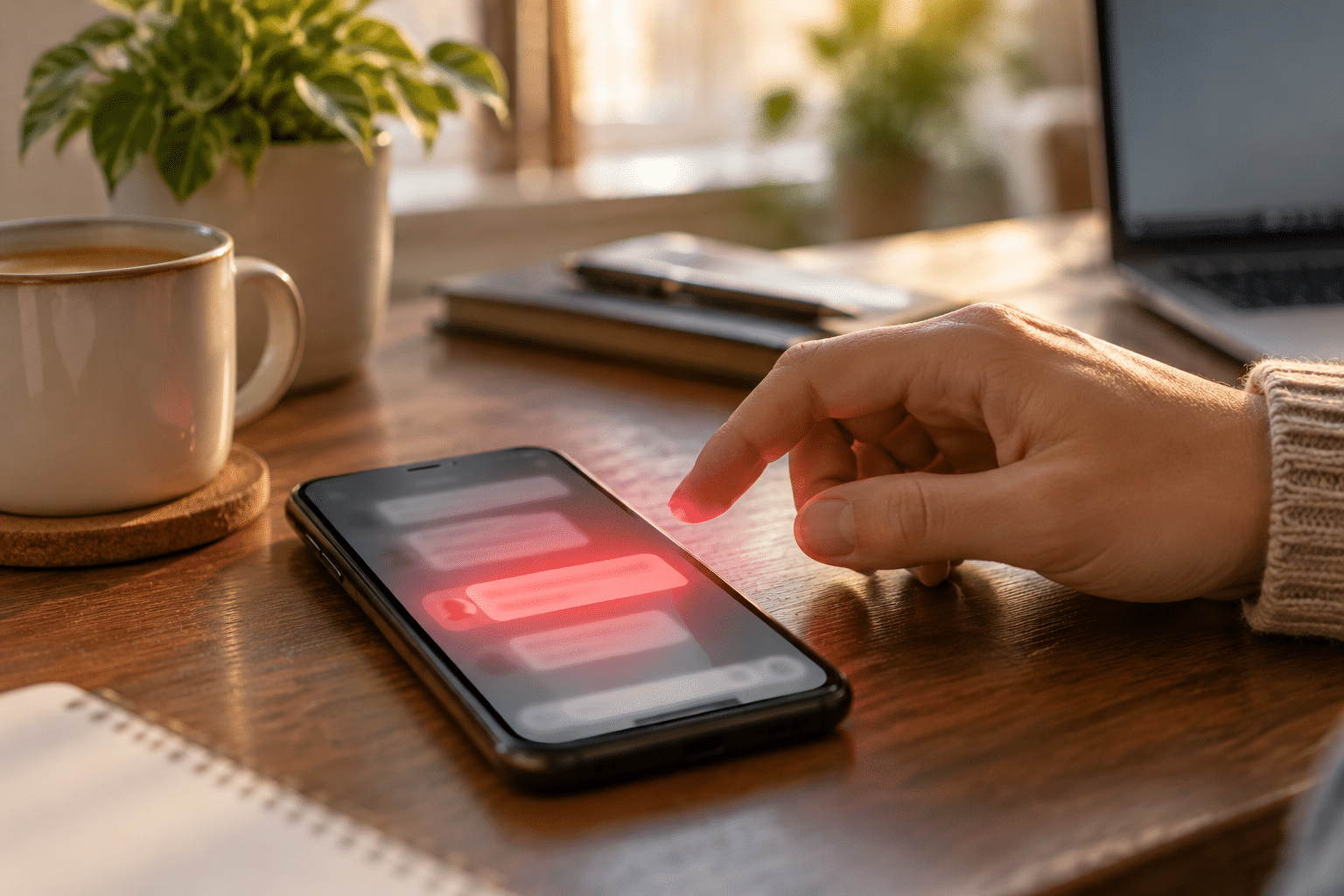
Most scam messages share the same warning signs. Once you know them, they start to jump out.
The message creates panic or pressure
Scammers want you to act before you think. Phrases like “your account will be closed today” or “final warning” are classic tricks. Real companies give you time and other ways to check.
The sender details look slightly wrong
Look closely at the email address, not just the name. A scam might come from an address with extra letters, odd numbers, or a strange ending. On a phone, press and hold the sender name to see the full address.
The greeting is vague
Messages that say “Dear Customer” instead of using your name deserve a second look. Spelling mistakes and awkward wording are also common.
The link or attachment feels off
- Hover over a link on a computer to preview where it goes.
- Be careful with shortened links you cannot read.
- Do not open unexpected attachments, especially zip files or invoices you never asked for.
It asks for money or private details
Real businesses rarely ask for your password, full Social Security number, or gift card codes by text or email. Any request for payment through gift cards, wire transfers, or crypto should stop you cold.
What to do when a message feels off
Slow down. A few calm steps can save you a lot of trouble.
- Do not click anything. Leave links and attachments alone.
- Go straight to the source. Open the company’s official app or type its website into your browser yourself.
- Call a number you trust. Use the one on the back of your card or on the official site.
- Report it. Forward scam emails to [email protected] and report texts to 7726. You can also file a report at ReportFraud.ftc.gov.
- Delete it. Once reported, get it out of your inbox.
The Federal Trade Commission’s phishing guide offers more examples if you want to see what current scams look like.
What to do if you already clicked
It happens to smart people every day. Do not beat yourself up. Move quickly instead.
If you entered a password
- Change that password right away on the real website.
- Change it anywhere else you used the same one.
- Turn on extra protection. Our guide on two-factor authentication walks you through it.
If you shared money or financial details
- Call your bank or card company and tell them what happened.
- Watch your statements closely for the next few months.
- Consider a credit freeze. Learning how your credit score works can help you understand why this protects you.
If you opened a strange file
Disconnect from the internet, run a security scan, and make sure your device is current. Installing software updates closes many of the gaps that scammers use.
Simple habits that keep you safe
You do not need to be a tech expert. A few routines go a long way. The Cybersecurity and Infrastructure Security Agency has a helpful page on how to recognize and report phishing that backs up these ideas.
- Use a different password for every account.
- Keep your phone and computer updated.
- Pause before you click, even when a message looks friendly.
- Check with the person by phone if a loved one asks for money by text.
- Share these tips with older family members, who are often targeted.
Frequently Asked Questions
How can I tell if an email is a phishing scam?
Check the sender’s full address, look for urgent language, and hover over links before clicking. Vague greetings, spelling errors, and requests for passwords or payment are also warning signs.
What should I do if I get a suspicious text message?
Do not tap any links or reply. Report it by forwarding it to 7726, then delete it. If it claims to be from a company you use, contact that company through its official app or website.
Can I get a virus just by opening a phishing email?
Usually the danger comes from clicking a link or opening an attachment. Simply opening an email is much lower risk, but it is still smart to delete suspicious messages without interacting with them.
What happens if I click on a phishing link?
Sometimes nothing happens right away. The link may lead to a fake login page or try to download harmful software. Change your passwords, run a security scan, and monitor your accounts for strange activity.
Where do I report a phishing scam?
In the United States, you can report scams to the Federal Trade Commission at ReportFraud.ftc.gov. You can also forward phishing emails to [email protected] and report the message inside your email app.
Have a scam story or a tech question you want us to cover? Contact us or learn more about Maven Blogs.
Enjoyed this article? Subscribe to our newsletter for more tips delivered straight to your inbox.