
You create a strong password for your email or bank account, and you think you’re all set. Then you hear about account hacks on the news and wonder if your password is actually enough. Two-factor authentication adds an extra layer of protection that makes it much harder for someone else to break into your accounts.
- What is two-factor authentication anyway?
- Why a password alone isn’t enough anymore
- How two-factor authentication actually works
- Setting it up is easier than you think
What is two-factor authentication anyway?
Two-factor authentication is a security method that requires two different ways to prove you’re really you before letting you into an account. The first factor is usually your password. The second factor is something else, like a code sent to your phone or an app on your device.
Think of it like your house. A locked door keeps most people out. Adding a deadbolt makes it even harder for someone to break in. Two-factor authentication works the same way for your online accounts.
You might also see it called 2FA, two-step verification, or multi-factor authentication. They all mean basically the same thing.
Why a password alone isn’t enough anymore
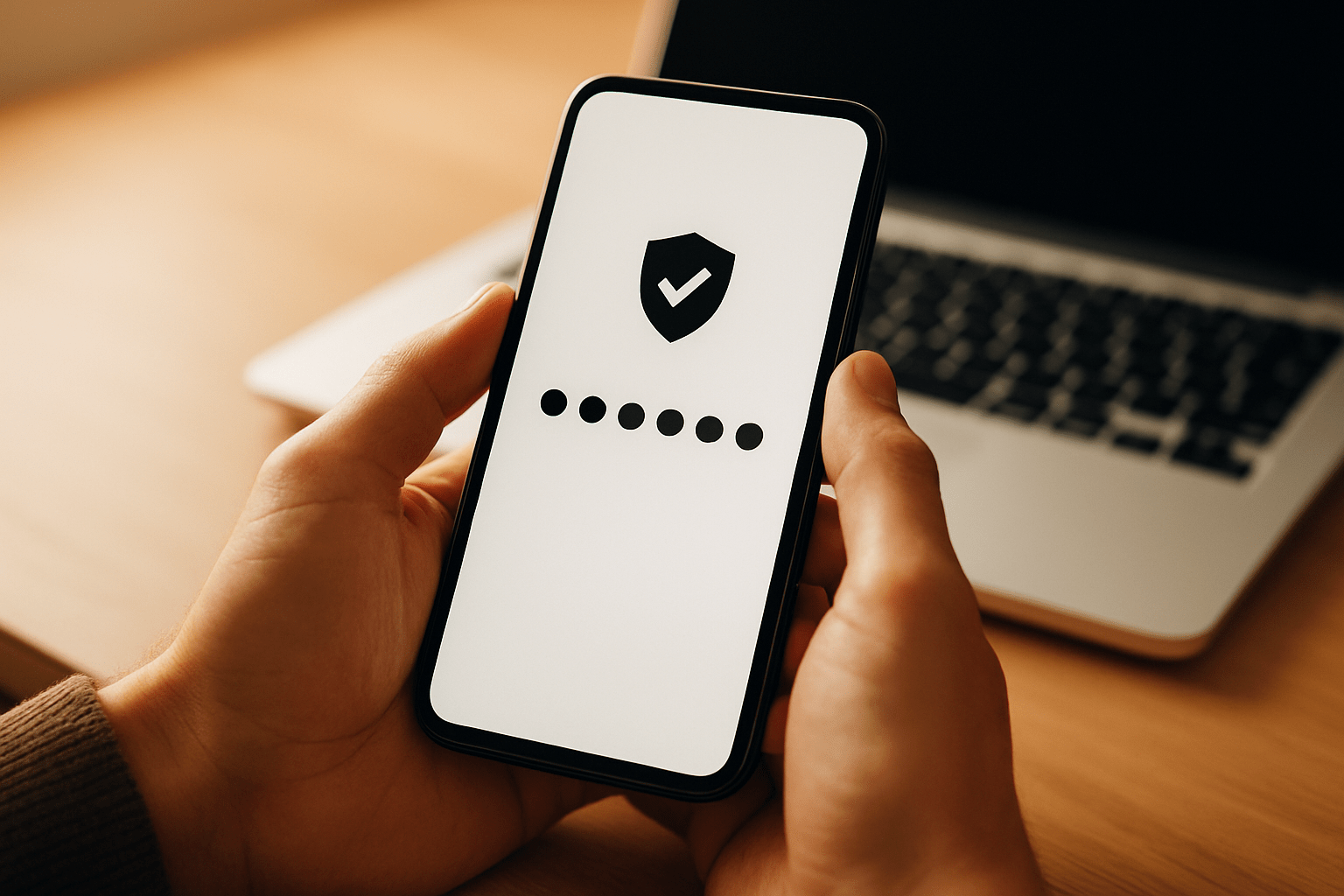
Passwords get stolen more often than you’d think. Hackers use automated programs to guess common passwords. They buy lists of leaked passwords from data breaches. They trick people into giving up their passwords through fake emails.
According to the Federal Trade Commission, identity theft reports have increased dramatically in recent years. Many of these cases start with someone getting access to an online account.
What happens when someone has your password
If someone gets your password, they can log into your account from anywhere in the world. They can:
- Read your private emails and messages
- Access your bank accounts and transfer money
- Make purchases with your saved payment methods
- Lock you out by changing your password
- Pretend to be you and scam your contacts
Two-factor authentication stops most of these attacks cold. Even if someone has your password, they can’t get in without that second verification step.
How two-factor authentication actually works
The process is pretty straightforward. You enter your username and password like normal. Then the system asks for a second proof of identity.
Text message codes
The most common method sends a code to your phone via text message. You type that code into the login screen. The code expires after a few minutes, so even if someone intercepts it, they have a very short window to use it.
Authentication apps
Apps like Google Authenticator or Microsoft Authenticator generate codes that change every 30 seconds. You open the app and type in whatever code is currently showing. These apps work even when you don’t have cell service.
Physical security keys
A security key is a small device you plug into your computer or tap against your phone. It’s like a digital key for your accounts. You can’t log in without physically having the key with you.
Biometric verification
Some systems use your fingerprint or face recognition as the second factor. Your phone probably already has this technology built in.
Setting it up is easier than you think
Most major services make turning on two-factor authentication pretty simple. You usually find the option in your security or privacy settings.
Where to enable it first
Start with accounts that matter most:
- Your email account (because it can reset all your other passwords)
- Banking and financial accounts
- Social media accounts
- Shopping sites with saved payment information
- Work or school accounts
Your email is especially important. If someone gets into your email, they can use password reset links to take over your other accounts. Just like understanding what cookies do helps you protect your privacy, enabling two-factor authentication protects your account security.
The basic setup process
The exact steps vary by service, but the pattern is similar everywhere:
- Go to your account settings
- Look for security, privacy, or login settings
- Find the option for two-factor authentication or two-step verification
- Choose your verification method (text, app, or security key)
- Follow the prompts to verify your phone number or set up your chosen method
- Save backup codes in a safe place
The Cybersecurity and Infrastructure Security Agency recommends using authentication apps over text messages when possible. Apps are harder for hackers to intercept.
What about backup codes?
When you set up two-factor authentication, most services give you backup codes. These are one-time-use codes you can use if you lose your phone or can’t get your regular second factor.
Write these codes down and keep them somewhere safe. Don’t store them on your phone or computer. A piece of paper in a drawer works fine.
Won’t this slow me down?
You only need the second factor when logging in from a new device or after a certain amount of time. Most services remember your devices and don’t ask for verification every single time. The extra five seconds a few times per month is worth the protection.
Think of it like software updates. They might feel annoying in the moment, but they keep your technology working safely.
Frequently Asked Questions
What if I lose my phone and can’t get the verification code?
This is why backup codes matter. You can also contact the service’s support team to regain access to your account. They’ll verify your identity through other means. Some services let you set up multiple authentication methods so you have a backup option.
Is two-factor authentication the same as a verification code when I sign up?
Not quite. The verification code you get when creating an account just confirms you own that email or phone number. Two-factor authentication is an ongoing security measure that protects your account every time you log in from a new place.
Can hackers get around two-factor authentication?
While no security is perfect, two-factor authentication blocks the vast majority of hacking attempts. According to Microsoft, it prevents over 99% of automated attacks. The rare exceptions usually involve sophisticated attacks targeting specific high-value individuals.
Do I need two-factor authentication on every single account?
You don’t need it everywhere, but use it on any account that contains personal information, financial data, or could be used to access other accounts. Your random forum login probably doesn’t need it. Your bank account definitely does.
What happens if I switch phones?
If you use text message codes, your phone number usually moves with you, so nothing changes. If you use an authentication app, you’ll need to move your accounts to the new phone. Most apps have a transfer process. You can also remove two-factor authentication from your old phone and set it up fresh on your new one using those backup codes you saved.
Enjoyed this article? Subscribe to our newsletter for more tips delivered straight to your inbox.